⏎
Command blocks
Failed commands get a soft red tint, slow ones show exit 1 · 1.2s. Jump between prompts with ⌘↑ ⌘↓. Works out of the box with zsh.

 Download
v0.5.0 is out: now with a hamster in your menu bar
litty is a zero-config terminal for macOS and Linux, written in Rust. It starts fast, sits at 0% CPU when idle, and does the everyday things really well.
Universal (Apple silicon + Intel) · 2.6 MB · Linux & other ways · Free & open source (MIT)
Failed commands get a soft red tint, slow ones show exit 1 · 1.2s. Jump between prompts with ⌘↑ ⌘↓. Works out of the box with zsh.
Tabs are native windows: drag to detach, Mission Control, the system tab bar. Split with ⌘D, zoom a pane with ⌘⇧↩.
It runs in its wheel while a long command runs and stuffs its cheeks while an update downloads. When nothing's happening it sits still and costs nothing.
Thai tone marks stack correctly, colour emoji render in colour, and => != -> join up in Maple Mono.
litty checks at most once an hour and verifies every download with an ed25519 signature before installing it. Homebrew installs are left to Homebrew.
Good defaults, a dark and a light theme, remembered window size and zoom. An optional four-line config file if you want one.
Start a long build, switch to your browser, and watch Litty run. When the command finishes, it stops. Try it:
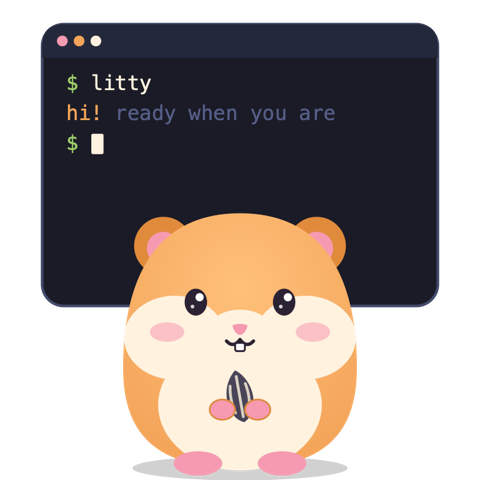
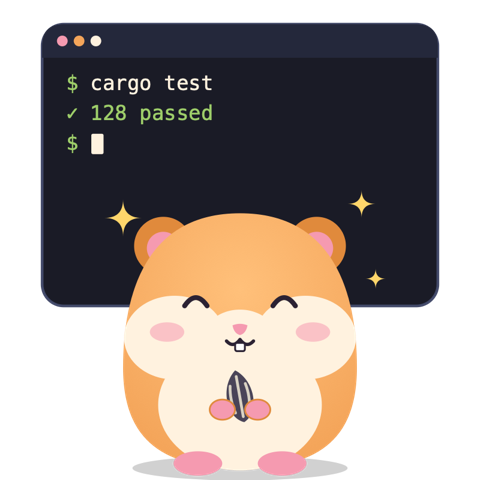
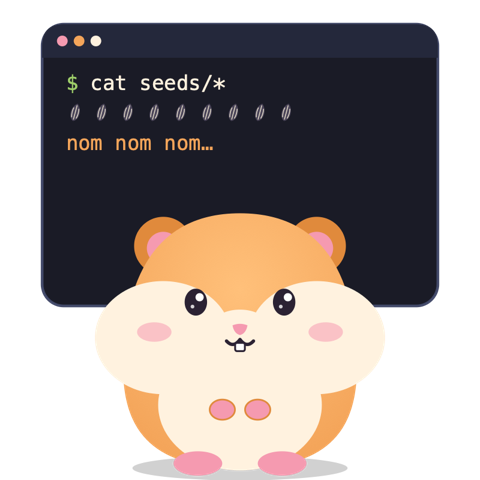
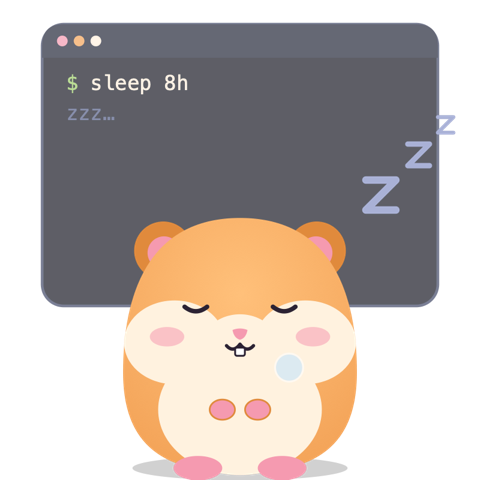
The hamster at the top of this page follows your cursor, likes being clicked, gets hungry when you hover a download button, and falls asleep if you ignore it. These are its moods:
Or download the .dmg and drag litty to Applications. The app isn't notarized yet: the first time, right-click it and choose Open.
Or grab a .deb, .rpm or .tar.gz below.
Works on macOS and Linux; installs the latest release.
Yes. litty is open source under the MIT license, and there's nothing to buy.
macOS (one universal app for Apple silicon and Intel) and Linux (x86_64 and arm64).
litty isn't notarized by Apple yet. Homebrew and the install script handle this for you. After a manual download, right-click the app and choose Open once.
No. If you want to, an optional file at ~/.config/litty/config sets the theme (dark, light or auto), font size, cursor shape, cursor blink and the menu-bar hamster.
litty checks GitHub at most once an hour. When a new version exists, a small notice appears; the download is verified with an ed25519 signature and installed when you quit. If Homebrew or another package manager installed litty, it tells you the command to run instead.
When it's still, it costs no CPU at all. It only animates while a command runs longer than a second and no litty window is in front, and you can turn it off with tray = false.
Not yet. litty focuses on fast, correct text first: truecolor, Thai and other combining scripts, emoji, ligatures, mouse reporting, OSC 7/8/52/133 and synchronized output.
Download litty 0.5.0. It's free, it's small, and the hamster is already fed.
Download for macOS